Choosing the best AI sales rep starts with a specific job: finding new accounts, responding to inbound interest, preparing follow-ups, or keeping sales records current. A product that fits one of those jobs may need extra tools or human work for another.
This guide compares four options through their published capabilities and the questions a buyer should test. It does not name a universal winner. The useful question is whether an agent can complete your sales workflow, with your data and approval rules, at an acceptable total cost.
How this comparison was prepared: GrowthEffect publishes this article and develops Vera, one of the products discussed. Official vendor pages and documentation were reviewed on 26 October 2026. Descriptions below identify vendor-documented capabilities, not independently measured results. We have not run a controlled cross-vendor performance benchmark. Product availability, integrations and commercial terms should be confirmed before purchase.
What should an AI sales rep actually do?
An AI sales rep uses AI to perform parts of sales development or sales operations. Depending on the product and configuration, that can include account research, message preparation, outreach, reply handling, qualification, scheduling or updates in connected systems.
Separate three levels of work when comparing products:
- Assist: the system prepares information or a draft; a person decides and acts.
- Execute with approval: the system prepares an action, waits for permission and then carries it out.
- Execute within standing rules: the system acts automatically inside a previously agreed scope and escalates exceptions.
A single product can use all three levels in different parts of a workflow. “Autonomous” on a homepage does not tell you whether a phone call is made by AI, queued for a human, or delivered through another service.
Four AI sales rep options to evaluate
The order below is alphabetical, not a ranking. The selection is a practical shortlist, not an exhaustive market directory.
11x: Alice for outbound and Julian for inbound
11x describes Alice as an outbound agent that identifies accounts, researches prospects, personalizes outreach, manages sequences, handles replies and books meetings. Its documentation describes several communication channels rather than an email-only product.
Julian is its separate inbound agent, with documented phone, chat, SMS and WhatsApp workflows for qualification, routing and scheduling. It would therefore be inaccurate to describe 11x as having no inbound offering.
Demo request: ask the vendor to show the exact outbound or inbound workflow you plan to buy, which agent performs each step, and what requires an additional service. Include a request for a human and an existing-customer record in the test. Confirm how the system handles consent requirements, suppression and escalation in your market.
AiSDR: outreach and inbound workflows with human-led calling
AiSDR’s official product information describes outbound and inbound workflows, qualification and escalation, as well as HubSpot and Salesforce integrations. Its messaging covers email and LinkedIn outreach. Those descriptions are reasons to evaluate the product, not proof of a particular meeting or revenue outcome.
The calling distinction matters: AiSDR’s Aircall integration page describes human-led calls, supported by research, scripts, call tasks, transcripts and follow-up. Do not budget for an autonomous voice agent if your proposed workflow still needs a person to make the calls.
Demo request: follow one account from initial research through a reply, a human call and the next CRM update. Ask who owns the call task, which subscriptions are required and how a completed conversation changes later messages.
Artisan Ava: outbound execution with review and handoff controls
Artisan’s Ava 2.0 announcement describes prospect research, email sequences, reply handling and booking. It also describes approval gates, escalation, CRM controls and suppression lists. The documented workflow includes dialer call steps for human representatives.
Demo request: show how your team reviews a draft, suppresses an open opportunity and escalates a reply. If LinkedIn is essential, ask to see the specific supported action and connection method rather than interpreting a broad “multi-channel” claim. Verify the current scope in the offered plan.
GrowthEffect Vera: company context and connected sales work
Vera’s current product scope includes finding and researching accounts, preparing and running approved outreach, acting on signals and handling recurring sales work. Company Brain provides business context; connected tools and approval rules determine the actions available in a particular setup.
For example, the sales workflow automation page describes turning meeting information into CRM updates, tasks and team notifications. This is broader than message generation, but each intended connection and permission should still be verified for your account.
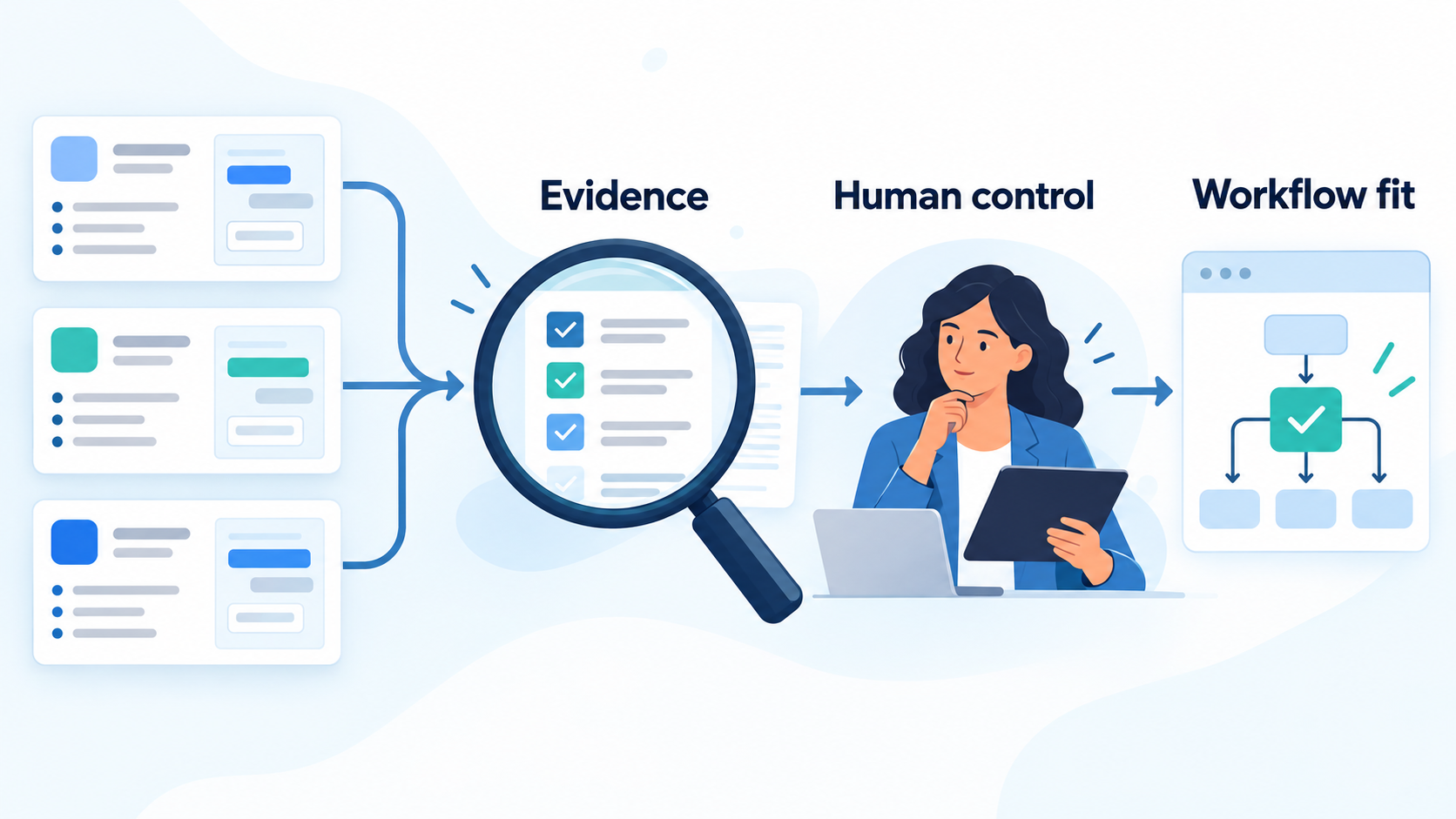
Demo request: bring an anonymized sales task and ask Vera to explain the evidence, prepare the work, request approval at the agreed boundary and show the resulting action. Confirm the integrations you need are available in your proposed configuration. This article does not promise an uplift, a fixed number of meetings or the removal of human oversight.
A buyer checklist that exposes meaningful differences
1. Start with one job, not a feature count
Write a one-sentence requirement, such as: “Find relevant finance leaders at companies matching this account profile, draft an evidence-backed email, and wait for approval.” An inbound requirement could instead specify response, qualification, routing and escalation. Keep those as separate tests so that a strong outbound demo does not stand in for inbound evidence.
2. Check the evidence behind personalization
Ask to inspect the source of a claimed company event, job title or business need. Include an outdated job title and a company with little public information. A useful result distinguishes facts from assumptions and leaves uncertainty visible, rather than filling every field confidently.
3. Test exclusions and boundaries before volume
Use a small, approved sample with an existing customer, an open opportunity, a duplicate account and a person who must not receive outreach. Check whether exclusions carry across channels and connected systems. Have your compliance owner review the applicable outreach requirements before enabling sends.
4. Inspect integration depth
A CRM logo does not specify what the integration can do. Ask which records and fields it reads or writes, how it matches contacts, whether it respects existing ownership, and how it reports a failed update. Test a partial failure: if a task succeeds but the CRM write fails, can the team see what remains unfinished without duplicating the successful action?
5. Measure the work left for your team
Record time spent checking research, editing messages, resolving exceptions and managing tools. A system that generates more drafts may still create more review work. Distinguish setup effort from ongoing operations so the pilot does not hide either cost.
A worked example: comparing two shortlisted vendors
Hypothetical example, not a customer result: a B2B software company wants to reach operations leaders at 40 approved target accounts. Its sales manager chooses five representative accounts for a supervised demonstration. One is already a customer, one has an open opportunity, one has ambiguous contact information and two are eligible for research.
Both vendors receive the same offer, account rules and definition of a qualified conversation. During this first test, sending is disabled. Each vendor must identify excluded accounts, show research sources, prepare the eligible drafts and explain what would happen after a reply.
The buyer records the same observations for both: exclusion errors, unsupported claims, edit time, missing required information and whether the next action stayed within the approved boundary. A plausible-looking message is not enough if the system targets a customer that should have been excluded.
Only a workflow that passes those checks advances to a limited live pilot. Assign non-overlapping account groups so prospects are not contacted twice. Keep the offer, qualification rules and review process consistent. Small samples are directional evidence, not statistically reliable proof that one product is always better.
Compare total cost and sales outcomes separately
Request a written quote covering the subscription, seats, contact research, enrichment, usage limits, sending infrastructure, calling services, implementation and support. Confirm minimum terms and cancellation conditions. A low headline price cannot be compared fairly with a quote that includes different services.
Keep two scorecards:
- Operational quality: correct account selection, supported research, review time, reliable execution and clear exception handling.
- Commercial outcomes: qualified conversations, meetings actually held, opportunities accepted by sales and later revenue attribution.
Define “qualified” before the test. Email opens, drafts created and meetings merely booked are not interchangeable with held meetings or accepted opportunities. If the pilot produces no held qualified meetings, report that directly; do not disguise it with an attractive cost-per-meeting calculation.
For a fuller rollout framework, use our 30-day AI SDR pilot plan. Before granting access, review the AI SDR security checklist.
Which AI sales rep should you choose?
Shortlist products by the job you need done and the controls your team requires. Then choose from demonstrated workflow fit, actual review effort and a bounded pilot, rather than a universal leaderboard or another company’s headline result.
If you are evaluating Vera, book a workflow-focused demo with an example task, or review current plans and usage allowances. Example or anonymized data is enough for the first discussion.
Source review: 26 October 2026. Vendor documentation can change; confirm current capabilities and terms before committing.
Leave a Reply